

Navigation shortcuts promise speed, efficiency, and a feeling of clever problem-solving, especially when time feels tight or terrain looks familiar. Whether on back roads, hiking trails, urban footpaths, or digital maps, shortcuts tempt people to bypass established routes in favor of what appears to be a faster option. The problem is that navigation is rarely as simple as it looks from a map or memory. Terrain changes, hidden obstacles, poor visibility, and incomplete information can quietly turn a shortcut into a costly detour. These mistakes don’t just waste time; they can increase fatigue, raise safety risks, and create confusion when conditions change. Understanding why shortcuts fail helps build better judgment, patience, and route-planning discipline in both outdoor and everyday navigation.
1. Cutting Across Unmapped Terrain

Crossing unmapped terrain feels efficient because it eliminates curves and switchbacks, but it often creates major delays. Maps rarely show thick undergrowth, steep micro-slopes, fallen trees, soft ground, or waterlogged soil that slows movement dramatically. What looks like a straight line can become a constant fight against resistance, forcing frequent stops and rerouting. Navigation tools may also lose accuracy under heavy cover, compounding the problem. Over time, energy drains faster than expected, morale drops, and progress stalls. Many detours happen not because the route is longer, but because the terrain demands far more effort per step than the mapped trail ever would have required.
2. Trusting Visual Distance Over Travel Time

Visual distance is deceptive, especially in open landscapes or urban grids. A destination may appear close, leading navigators to skip longer but faster routes. However, walking speed varies drastically depending on elevation changes, obstacles, surface quality, and traffic flow. A short route filled with stairs, fences, crowds, or rough ground often takes longer than a slightly longer but smoother path. This error is common when people rely on sight rather than experience or data. Overconfidence in visual shortcuts leads to repeated stops, backtracking, and frustration, turning what seemed like a time-saver into an inefficient and exhausting detour.
3. Ignoring Elevation Changes

Elevation is one of the most underestimated factors in navigation shortcuts. A route that looks direct on a flat map may involve steep climbs or descents that slow the pace dramatically. Uphill travel increases fatigue, while downhill routes can be unstable, slippery, or require cautious foot placement. These conditions reduce speed and raise injury risk. Many detours occur when navigators underestimate how elevation compounds effort over time. Established routes often follow contours for a reason, balancing distance with manageable gradients. Ignoring this design logic in favor of a shortcut frequently leads to longer travel times and unnecessary physical strain.
4. Following Old or Faded Paths

Old paths, game trails, or lightly worn routes often look like reliable shortcuts, but they frequently lead nowhere useful. These paths may have been created for temporary purposes, seasonal travel, or animal movement that doesn’t align with human navigation needs. Over time, erosion, vegetation growth, or land changes can erase their continuity. Following them can pull navigators off course gradually, making reorientation difficult. By the time the path disappears, the original route is often far away. What started as a confident shortcut turns into a confusing detour that requires careful backtracking and recalibration.
5. Overreliance on GPS Auto-Routing

GPS devices and apps often suggest shortcuts based on algorithms that don’t account for real-world conditions. They may favor shorter distances over safer or faster routes, sending users onto poorly maintained roads, private property, or impassable paths. Signal loss, outdated data, or map errors can worsen the problem. When users follow auto-routing without cross-checking terrain, signage, or local knowledge, small errors compound quickly. Instead of saving time, these digital shortcuts lead to dead ends or forced turnarounds. Effective navigation requires using GPS as a tool, not a substitute for judgment.
6. Skipping Known Waypoints
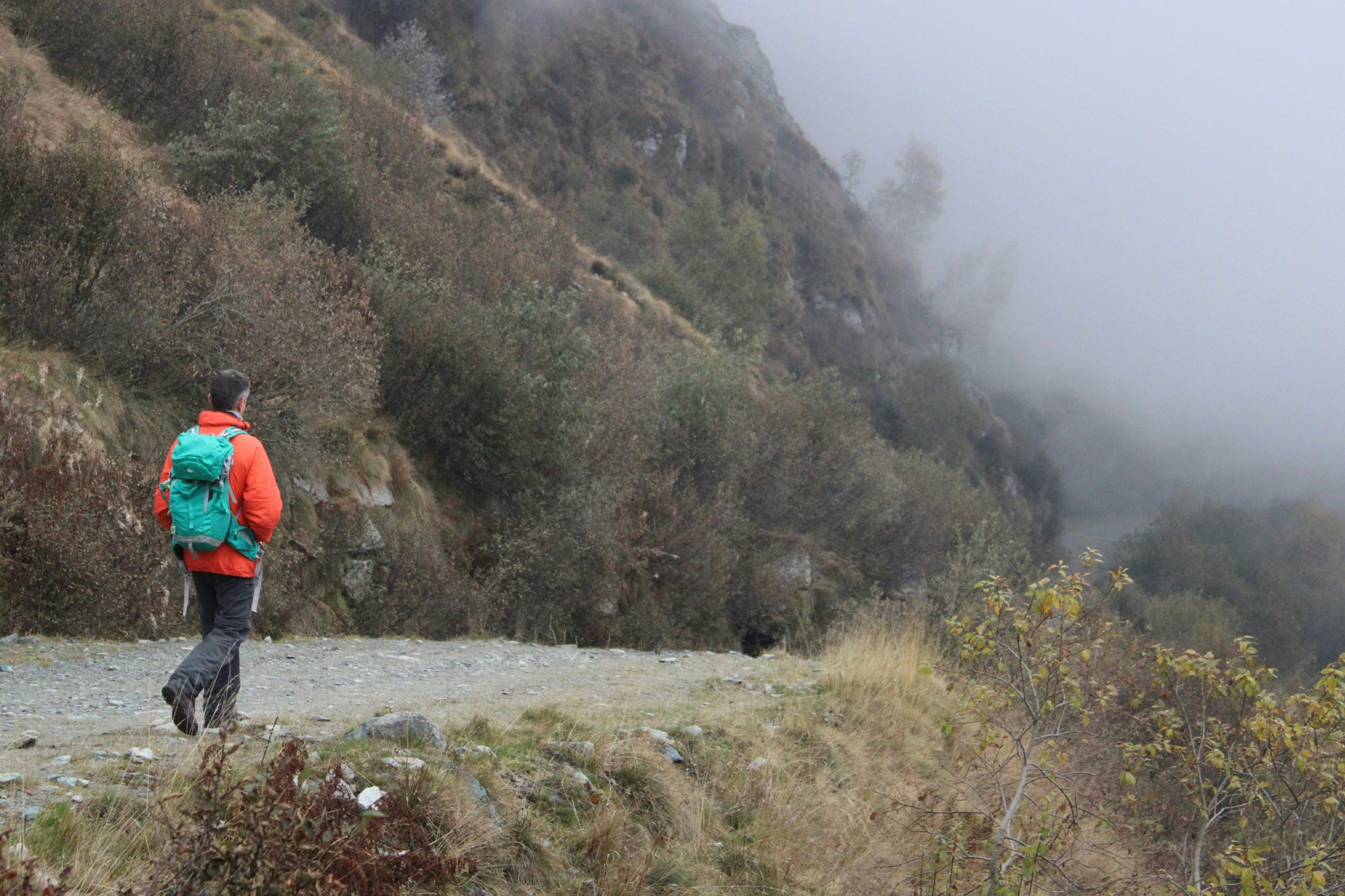
Waypoints exist to confirm progress, maintain orientation, and provide decision points. Skipping them to save time removes valuable reference markers from the navigation process. Without these anchors, small deviations go unnoticed until they become major errors. This often leads to confusion about position, direction, and distance remaining. When uncertainty sets in, navigators slow down, stop frequently, or retrace steps, negating any time saved. Established routes use waypoints strategically to reduce cognitive load. Ignoring them in favor of a shortcut increases mental strain and raises the chance of significant detours.
7. Assuming Conditions Will Stay the Same

Shortcuts are often chosen based on current conditions, with little thought given to how quickly things can change. Weather shifts, fading daylight, rising water levels, or increased traffic can transform a marginal route into a serious obstacle. What was manageable an hour earlier may become slow or unsafe later. Established routes usually account for variable conditions, offering escape options and clearer navigation. Shortcuts rarely do. When conditions deteriorate, navigators may be forced to retreat or reroute entirely, turning a bold time-saving choice into the longest detour of the journey.